Badge time clock or phone app: the real cost.
A badge time clock is something you buy once and forget. At least, that's what it looks like in the store. Between lost badges, the software subscription and the time spent fixing missed punches, the real bill rarely matches the price tag. Here is how to compare the two options honestly, with prices checked online on November 23, 2026.
What a badge time clock costs
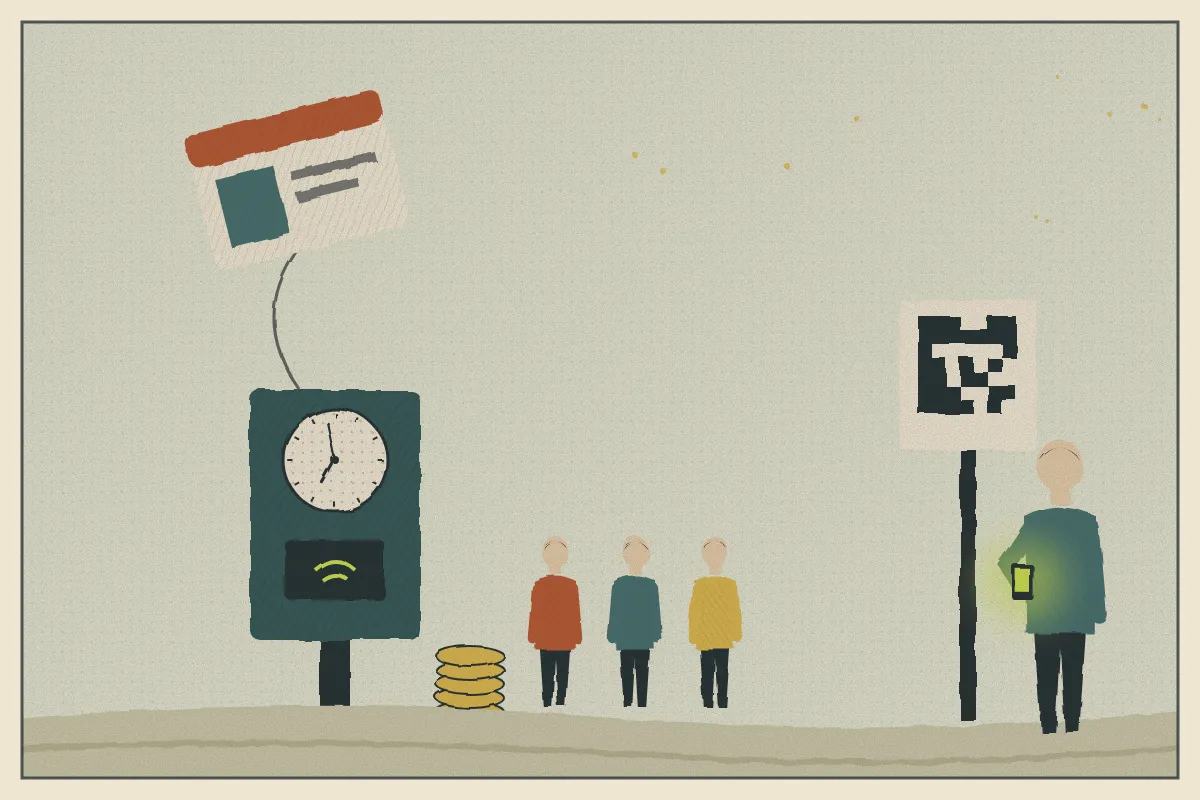
The clock is only the start. At Staples Canada, the Pyramid TimeTrax Elite Prox, built for 50 employees, sells for $537.99. Badges are sold separately: $39.99 for a pack of 15 for Acroprint timeQplus clocks, $17.49 for 10 key fobs for some uAttend clocks.
Many recent clocks also come with a subscription. uAttend, for example, charges from US$29 to US$195 a month depending on the number of active employees, plus US$12 a month for each clock beyond two and US$2 a month per clock for offline mode, according to its help centre. Other models run on software installed on a Windows computer: no subscription, but you need that computer and a network connection for the clock.
Prices before taxes. They change often: check them on the day you buy.
The costs that aren't on the price tag
- Lost and forgotten badges. Each one means a new badge and a manual correction on the timesheet.
- A badge doesn't know who is holding it. A colleague can tap someone else's badge. The clock records the badge, not the person.
- One clock per place. Each site, each entrance, each job site needs its own. Mobile teams never walk past it.
- Installation. A power outlet, a network cable, a spot on the wall, the setup. Someone in your business does it, on paid time.
- Breakdowns. If the clock stops working, nobody clocks in on it until it is fixed or replaced, and the hours get written on paper.
What a phone app costs
No device to buy: employees clock in with the phone they already have. The cost is the subscription. With many providers it is charged per employee per month, which is simple while the team is stable, but the bill goes up with every hire.
- Employees without a smartphone or a data plan. Keep a tablet at the entrance for them.
- Employees who'd rather not use their own phone. Offer the same tablet instead of imposing it.
- Location. If the app reads the GPS, say clearly when it reads it and why.
- A phone can be lent too. A personal code and one phone per person close that door.
An example over three years, for 15 employees
- Clock without a subscription: $537.99 for the clock, about $40 of badges to start, then replacements. Add a Windows computer, the network, and the time spent on corrections.
- Clock with a subscription: at least US$29 a month, more than US$1,000 over three years, before the clock and the badges.
- Phone app at a fixed price: with KLOKUP, 15 employees fall in the Pro plan at $29 a month, or $290 a year paid annually: $870 over three years, with no device to buy.
On paper, a clock without a subscription can cost less than an app. The difference shows up elsewhere: the minutes corrected by hand, the badges punched for a colleague, the second site that needs its own clock. Put your own numbers next to these ones.
How to choose
- One site, a stable team, a single entrance: a badge clock can make sense, as long as the badge is not the only check.
- Several sites, mobile teams, changing schedules: the phone saves you a clock per place.
- In both cases: a personal code for each person, the real clock-in times kept, and a simple export to your payroll.
How KLOKUP does it
Employees clock in with their own phone: they scan the QR code posted at the entrance and type a personal 4-digit PIN, with no app to install. Those without a phone can clock in on a tablet left at the counter; kiosk mode, included in the Business and Scale plans, shortens the session after each clock-in so the next person never lands on someone else's screen. You can also turn on “One phone per person” and a GPS zone read only at clock-in.
KLOKUP is free up to 10 active employees, then a fixed price by team size: $29 a month up to 30 people, $69 up to 100, $149 up to 250. Never per employee. Hours export to QuickBooks, Gusto, Excel or PDF.
Try it with your team
KLOKUP is free up to 10 employees, with no credit card. Your team clocks in from their own phone today.
Sources and further reading
Keep reading
 Pay rulesRounding clock-in times: what's allowed in Quebec and OntarioRounding to the nearest quarter hour or always in your favour? What Quebec and Ontario rules require, three traps, and how to check your setup.
 ScheduleHow to fill open shifts without twenty phone callsPost an open shift once, let available employees take it from their phone, and keep overtime and fairness under control.
 Clocking inHow to stop employees from clocking in for each otherWhy employees clock in for each other, six simple ways to stop it, and why a fingerprint clock is rarely the answer in Quebec.