How to stop employees from clocking in for each other.
“Can you punch me in? I'm five minutes away.” Most buddy punching starts as a favour. Over a year, those minutes add up on your payroll, and they hide the real problem: lateness you can't see. Here is how to stop it without turning the workplace into a checkpoint.
Why it happens
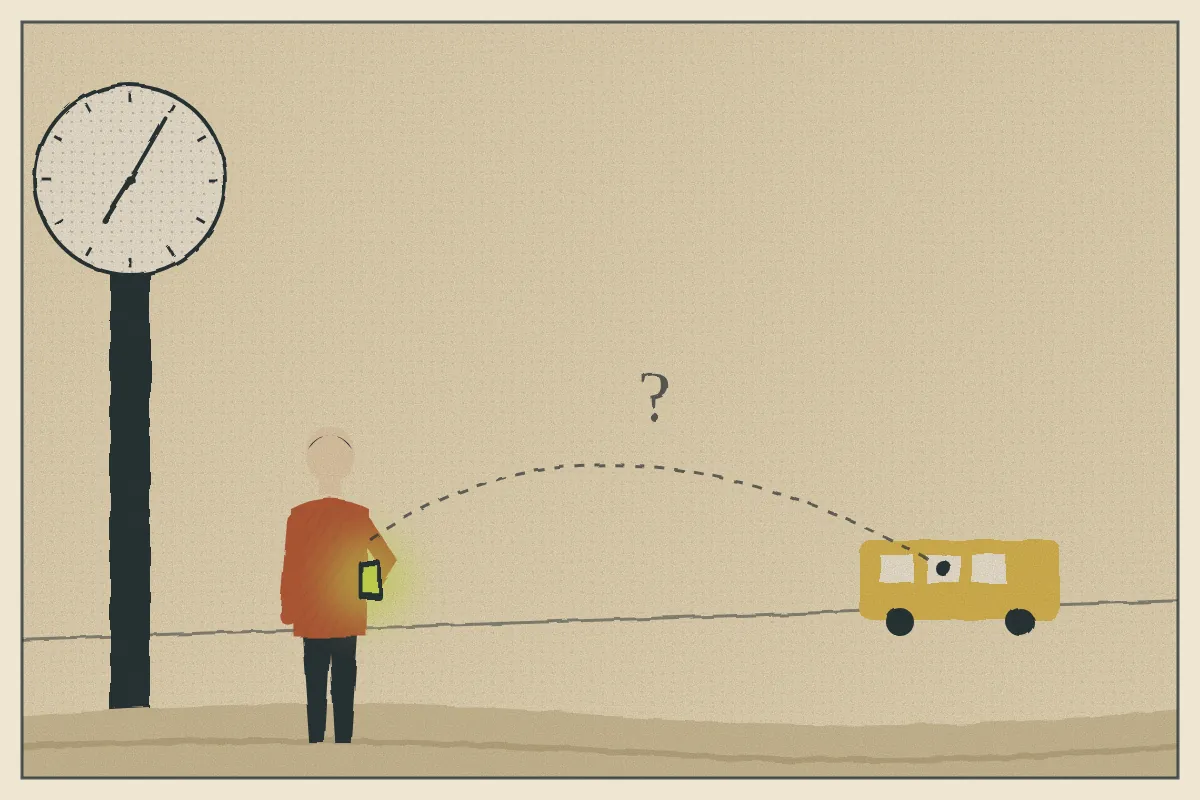
A shared punch clock or a shared tablet makes it easy: anyone can type a colleague's code. A late bus, a parking spot to find, a coffee line: the reasons are rarely bad faith. That's why the fix is mostly about the tool, not about suspicion.
Six simple ways to stop it
- A personal code for each person. Never a shared code, and a limit on wrong attempts.
- Each person clocks in on their own phone. When a phone is linked to one employee, a colleague can't clock in for them from another phone.
- A GPS zone around the workplace. The position is checked once, at the moment of clocking in. Someone still on the bus is outside the zone.
- Refused attempts you can see. Knowing who tried to clock in from too far away is often enough to end the habit.
- A schedule and a late alert. When you know who is expected at 7:00, a missing arrival stands out on its own.
- A clear rule, read and signed. Write it in one sentence in your policy, and keep proof that each employee read it.
Why a fingerprint clock is rarely the answer in Quebec
Biometric time clocks look like the obvious fix, but in Quebec they come with strict obligations. The Commission d'accès à l'information requires the employee's express consent, a declaration to the Commission at least 60 days before the system is put into service, and another way to clock in for employees who refuse. It also expects the employer to show the system is necessary: convenience or automating payroll is generally not enough.
A personal code, one phone per person and a GPS zone checked only at clock-in solve the same problem with much less intrusion.
How KLOKUP does it
Every employee clocks in with their own phone, a QR code and a 4-digit PIN. You can turn on “One phone per person” and a GPS zone for each site. Refused attempts appear on your dashboard, and you get an email when someone scheduled hasn't clocked in. Your policy can be published as a document to sign, with proof of who signed it and when.
Try it with your team
KLOKUP is free up to 10 employees, with no credit card. Your team clocks in from their own phone today.
Sources and further reading
Keep reading
 CostsBadge time clock or phone app: the real costClock, badges, subscription, hidden costs: how a badge time clock compares with a phone app over three years, with prices checked online.
 Pay rulesRounding clock-in times: what's allowed in Quebec and OntarioRounding to the nearest quarter hour or always in your favour? What Quebec and Ontario rules require, three traps, and how to check your setup.
 ScheduleHow to fill open shifts without twenty phone callsPost an open shift once, let available employees take it from their phone, and keep overtime and fairness under control.